Get imported models ready for VRChat.
Cats takes the model an importer just dumped into Blender, renames its bones, merges its weights, joins its meshes and clears out the leftovers.
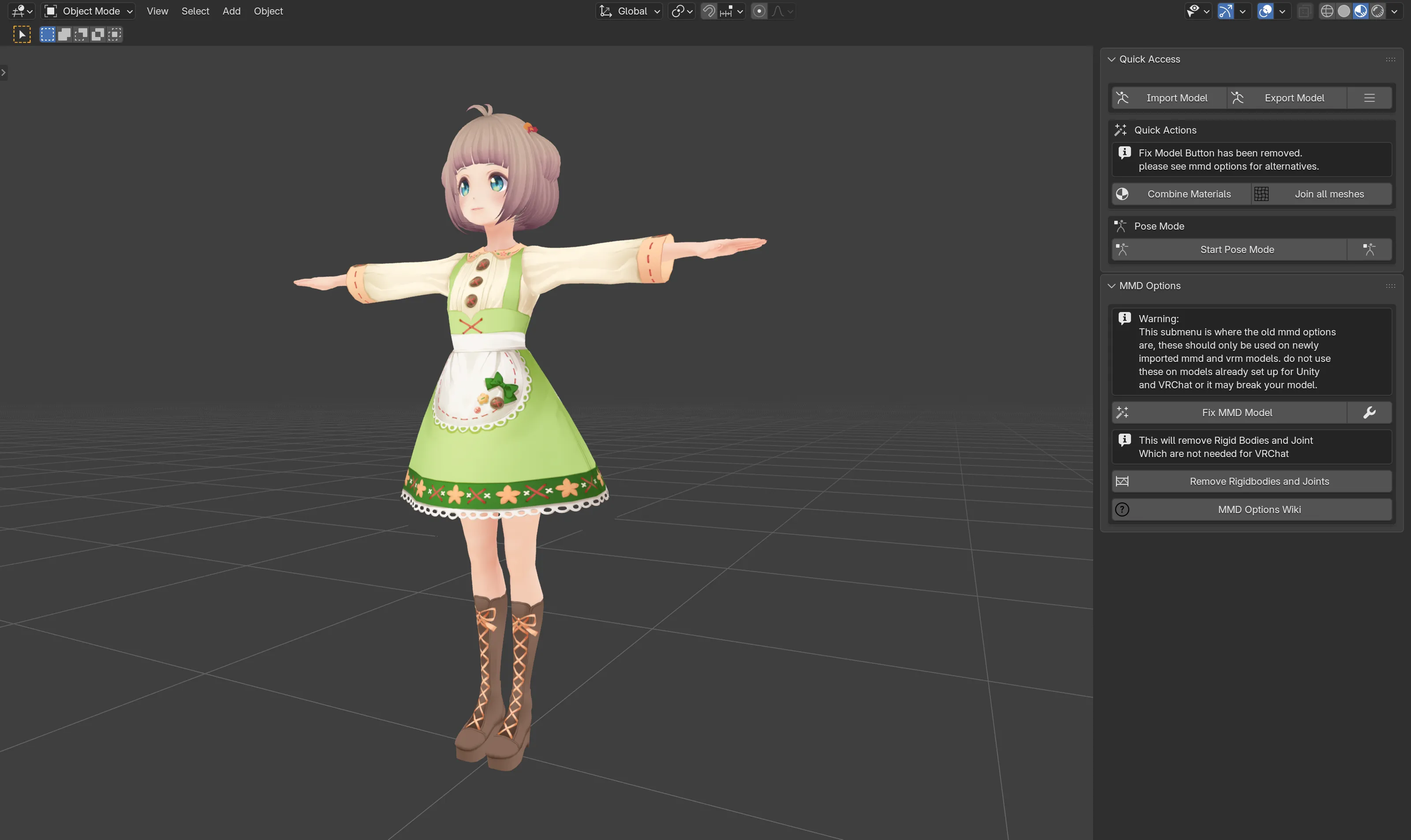
Fix MMD Model does the heavy lifting
Run it once, right after importing an MMD or VRM model. Its bone lists also cover rigs from MMD, XNALara, Mixamo, Source Engine, Unreal Engine, DAZ/Poser, Blender Rigify, Sims 2, Motion Builder, and 3DS Max. Skip it on avatars already set up for Unity, such as Booth or Gumroad models.
- Translates bone names and renames them onto one standard skeleton.
- Moves the weights of helper bones onto the bones that stay, then deletes them.
- Rebuilds the Hips, Spine, Chest and Neck chain.
- Joins the meshes and removes shape keys that do nothing.
- Removes rigid bodies, joints and other MMD leftovers.
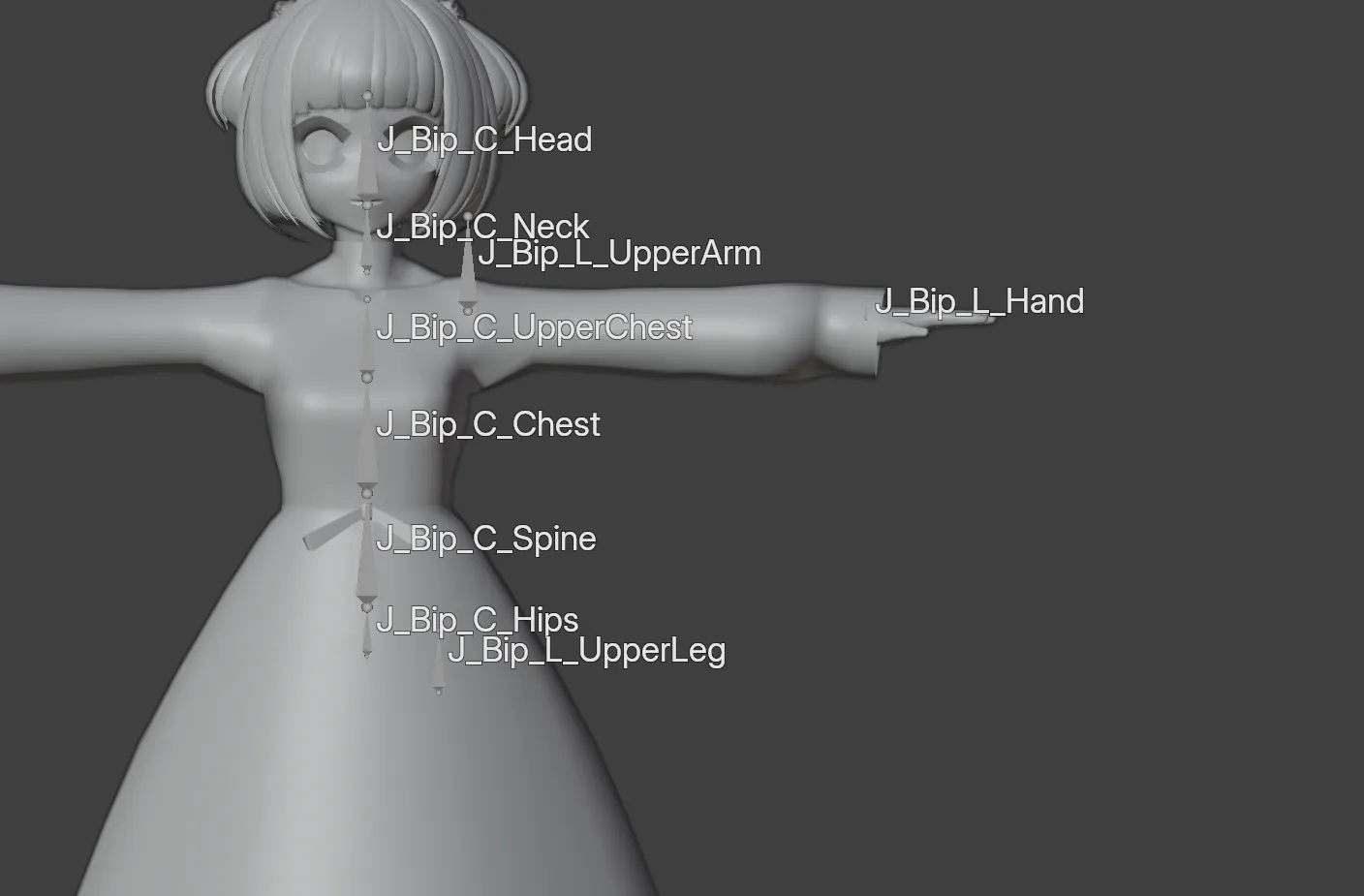
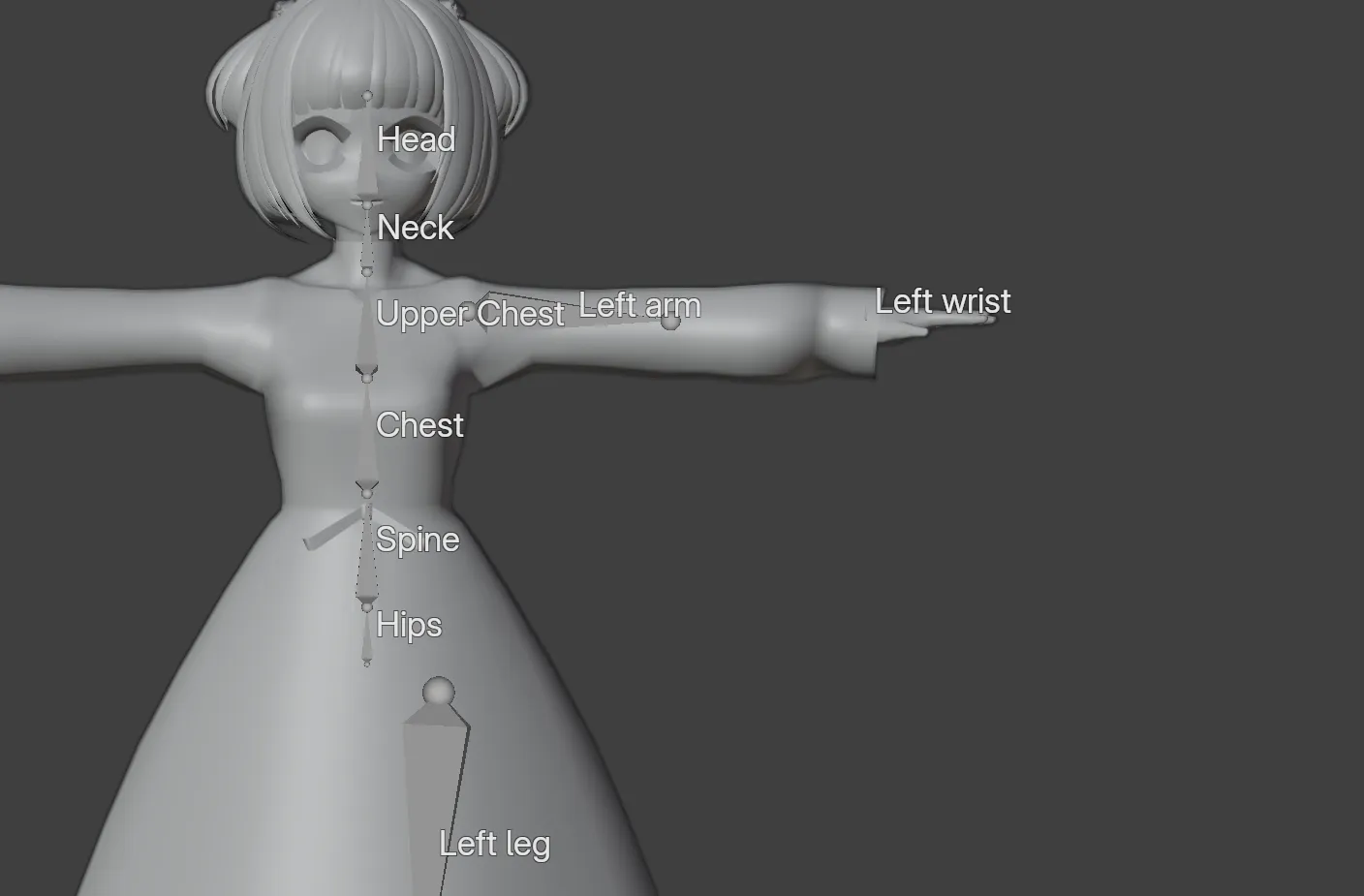 ImportedAfter Fix MMD Model
Everything in the CATS tab
Each panel has its own page in the guide, in the order Blender shows them.
- Quick AccessImport and export models, combine materials, join meshes and test poses.
- OptimizationMaterial atlases, combining materials, joining meshes and merging bones.
- Custom Model CreationMerge two armatures, or attach a mesh to a bone.
- MMD OptionsFix MMD Model and the other tools for fresh MMD and VRM imports.
- Other OptionsTranslation, separating meshes, normals and extra shape key tools.
- VisemesBuilds the fifteen vrc.v_* shape keys from three mouth shapes.
- Bone ParentingGroups similar bones under a new root bone, for physics bones.
- Model ScalingResizes the avatar through the Immersive Scaler add-on.
- Eye TrackingPoints eye bones up for VRChat SDK3, plus the legacy setup for other games.
- Settings & UpdatesExport and translation settings, interface language and updates.
What changed in this fork
This fork exists for the Blender 5.x work and follows upstream for everything else.
11.7 sbefore2.0 snow
Update checking works. The version comparison stripped the Blender series off one side only, so no update was ever offered.
Updates install through Blender. The updater hands the package to Blender's extension installer instead of deleting its own files.
Material slots keep their order. The joined mesh keeps the same slot order on every run, so it lands in Unity the same way each time.
TLS certificates are verified again. The updater no longer turns off certificate checks for the whole session and every other add-on.
Install it as an extension
Download the zip
Grab cats_blender_plugin-1.0.1.zip from the latest release.
Install from Disk
Open the extension preferences, then use the dropdown at the top right.
Edit›Preferences›Get Extensions››Install from Disk
Open the CATS tab
Press N in the 3D Viewport. Cats lives in the sidebar, under its own tab.
N›CATS
Blender only offers Cats to the versions it supports, and the add-on refuses to load anywhere else.
Where Cats comes from
The combined work is GPL-3.0-or-later. Files with an MIT header come from the original project and keep it.
- absolute-quantum/cats-blender-plugin
The original, by Hotox and GiveMeAllYourCats.
MIT - teamneoneko/Cats-Blender-Plugin-Unofficial-
Carried by the Neoneko Team, one release line per Blender series.
GPL-3.0 - Zaphkiel-Ivanovna/cats-blender-plugin-unofficial
The Blender 5.x line, maintained by Zaphkiel-Ivanovna.
GPL-3.0-or-later